Fast Ethernet for an emulated Amiga, over Wi-Fi
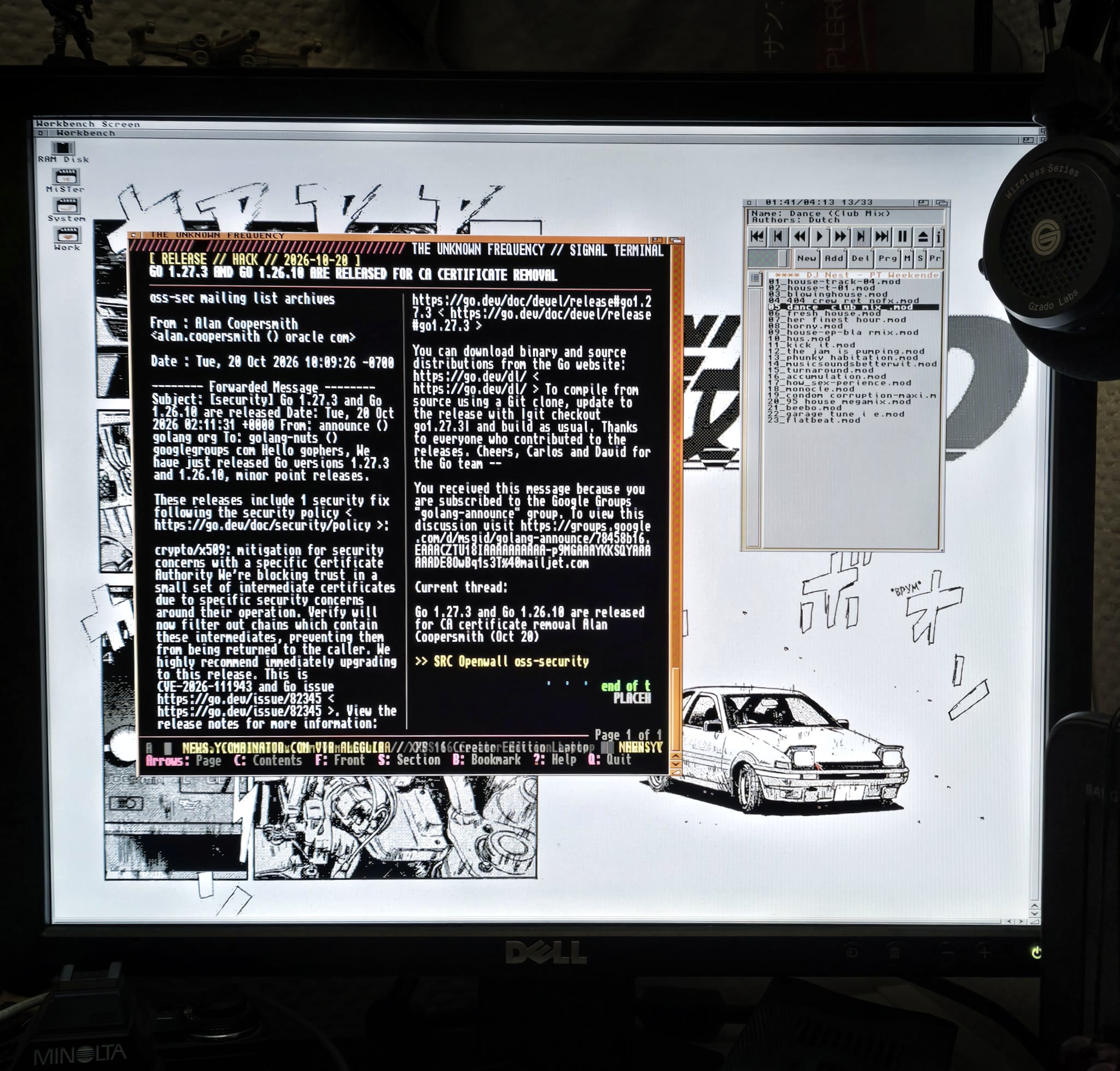
tl;dr: My MiSTer Amiga used to get online via emulated PPP at a cosy 23 kB/s. Now it has an emulated A2065 Ethernet card on my LAN, over Wi-Fi, doing 330–440 kB/s. It took two days, a homemade firmware build, a packet sniffer and one red herring of a disk error. Ethernet still won’t come up on its own at boot, so the Amiga boots on PPP and I hit Go online in the menu when I want speed.
The setup
The machine is a Minimig core on a MiSTer: 68020, AGA, Workbench 3.2.2 and
Roadshow TCP/IP on an 8 GB disk image. I call it “Amiga 020”. It got online
through the serial port: pppd on the MiSTer’s Linux side, ~23 kB/s. Fine for
IRC, not much else.
The MiSTer firmware (“Main”) can also emulate an A2065 Ethernet card and hook
it up to a Linux tap0 interface. So all I had to do was get tap0 onto the
LAN. Ha.
Wi-Fi doesn’t bridge
You can’t just bridge tap0 with Wi-Fi. A Wi-Fi client only gets to send
frames from its own MAC, so a bridged Amiga is shouting into the void. The
MiSTer kernel has no NAT either. What does work is proxy ARP plus IP
forwarding. The Amiga gets its own address (192.168.1.240), Linux answers
ARP on its behalf, and forwards the packets. A little shell loop sets this up
every time tap0 reappears after a core reload.
Bonus trap: MiSTer’s /sbin/uartmode grabs any IPv4 address it finds as the
PPP address. Give tap0 an address, and PPP breaks. So tap0 stays naked.
What went wrong
The link died after a couple of pings. Two different SANA-II drivers died
the same way, so it wasn’t the driver. Then I set up an isolated test network
(just the MiSTer and the Amiga), and the network plumbing turned out fine.
There’s no tcpdump on the MiSTer, so I wrote a small Python sniffer for
tap0. Best hour I spent all week.
The stable firmware stops sending after ~10 MB. Upstream had already fixed this, but only in the unstable branch, which gave me a black screen. So I built my own Main: stable plus four A2065 fixes. It works. The MiSTer updater will happily overwrite it, though, so there’s a note on the SD card.
It died after exactly ~18 seconds, every time. That was my own fault. I switched networks over a remote session running on PPP. When that TCP connection tried to carry on over the A2065, Roadshow froze. Not just the card, the whole stack. Lesson: don’t switch with PPP-era connections open.
Internet didn’t work, but the LAN did. The default route stayed glued to
PPP. My script ran DeleteNetRoute DEFAULT, which turns out to need the
gateway address. Without it you get an error, which QUIET politely hid from
me. DeleteNetRoute DEFAULT 192.168.1.155 fixed it. While I was at it:
Roadshow’s ping returns WARN even when the replies come back, so the
script greps for bytes from instead.
Starting Ethernet automatically kills it. At boot: dead after the first
ping. Forty-five seconds after boot: same. And because a hung A2065 takes
Roadshow down with it, falling back to PPP doesn’t work either. Once it even
died in the middle of ShowNetStatus INTERFACES. My guess is that Main polls
the A2065 in the same loop as the shared folder the Amiga hammers during boot.
I haven’t solved this yet.
The side quest
In the middle of all the core reloads, the Amiga said:
Error validating System
Block 1146049287 out of range
I assumed the SD card was dying. But 1146049287 is 0x444F5307, which is
DOS\7 in ASCII. That’s the filesystem type, being read as a block number. A
small FFS checker found all ~13,800 files intact. The real culprit was
amitools, which I used to build the disk: it writes the dostype into a root
block field that the 3.2 validator treats as a pointer. You only notice after
an unclean reset, and I’d done plenty of those. Clearing one longword (plus the
checksum) on each partition fixed it.
What works now
-
Boot is always PPP. Slow but boring, and boring is good.
-
Applications → Network → Go online does the switch in the one order that has proven stable:
- Stop PPP and remove its route.
- Add the A2065.
- Remove the PPP interface, wait a bit, and set the route again.
- Ping the router to check.
You get a “you’re online” box, or one that says “reload the core”.
-
Back to PPP = reload the core. Nothing is saved, so it always works.
Started that way, it runs for hours. HippoPlayer streams happily at 330–440 kB/s, 15–20 times faster than before.
Takeaways
- Get a packet sniffer on the box first.
- Never trust
QUIET. - If an error has a huge weird number in it, try reading it as ASCII.
- If you can’t make the automatic path safe, make it a button with an easy way back.
One day I’ll figure out why the A2065 hates being started early. Until then, there’s a button.